
Quick answer: LED strip flicker usually comes from the power side, not the strip itself. The usual causes are a driver that is too small or overloaded, a wall dimmer on a driver not designed for one, a loose or badly seated connection, voltage drop on a very long run, or a power supply that does not match the lights. Work through the checklist below, starting with the driver size. If the problem is on the mains side, call a qualified electrician.
Flickering LED strip is frustrating, but it is usually simple to track down. Start with the quick checks you can do safely on the 24V side, then move to the driver and the dimmer. Anything involving mains wiring is a job for a qualified electrician.
Safety first: switch off the power before checking connections. If you see scorch marks, smell burning, or the driver is very hot to touch, leave the lights off and call an electrician.
Flickering LED strip checklist
| What you see | Likely cause | Fix |
|---|---|---|
| Flicker or cutting out when everything is on, or after adding more lights | Driver too small, so it is overloaded | Add up the watts of every light and every metre of strip, then use a driver rated above that total. Go up a size if you are close to the limit. |
| Flicker or buzzing when dimmed | Wall dimmer on a driver not designed for one, or a dimmer that does not suit the driver | Only use a wall dimmer with the Titan™ Dimmable. Titan+™ and smart drivers must never go on a wall dimmer. |
| One section flickers, or flickers when touched or moved | Loose connection, a clip not fully closed, or a cable not pushed fully into the port | Power off, then reseat each connector and clip. Check the strip was cut in the right place. |
| Far end of a long run flickers or looks dimmer | Voltage drop over a run longer than the strip is designed for | Check the maximum run on the strip's product page. Split it into shorter runs, each with its own driver connection. |
| Flicker after replacing halogen lights, or with a non-Sensio power supply | Wrong type of power supply, such as a halogen transformer, the wrong voltage or a constant current driver | Use a 24V Sensio driver with the right pin type for the lights. |
| Lights switch off and back on in a cycle | Driver overloaded or running hot in a tight, unventilated space | Check the wattage, and give the driver room so it is not boxed in. |
1. Check the driver is big enough
Start here. A driver that is too small is overloaded, and the lights may flicker, cut out or not come on, and the driver can fail early. Add the watts of every light and the watts per metre of strip multiplied by the length, then choose a driver rated above that total. For example, 4m of 6 W/m strip is 24W, so it needs a 30W driver.
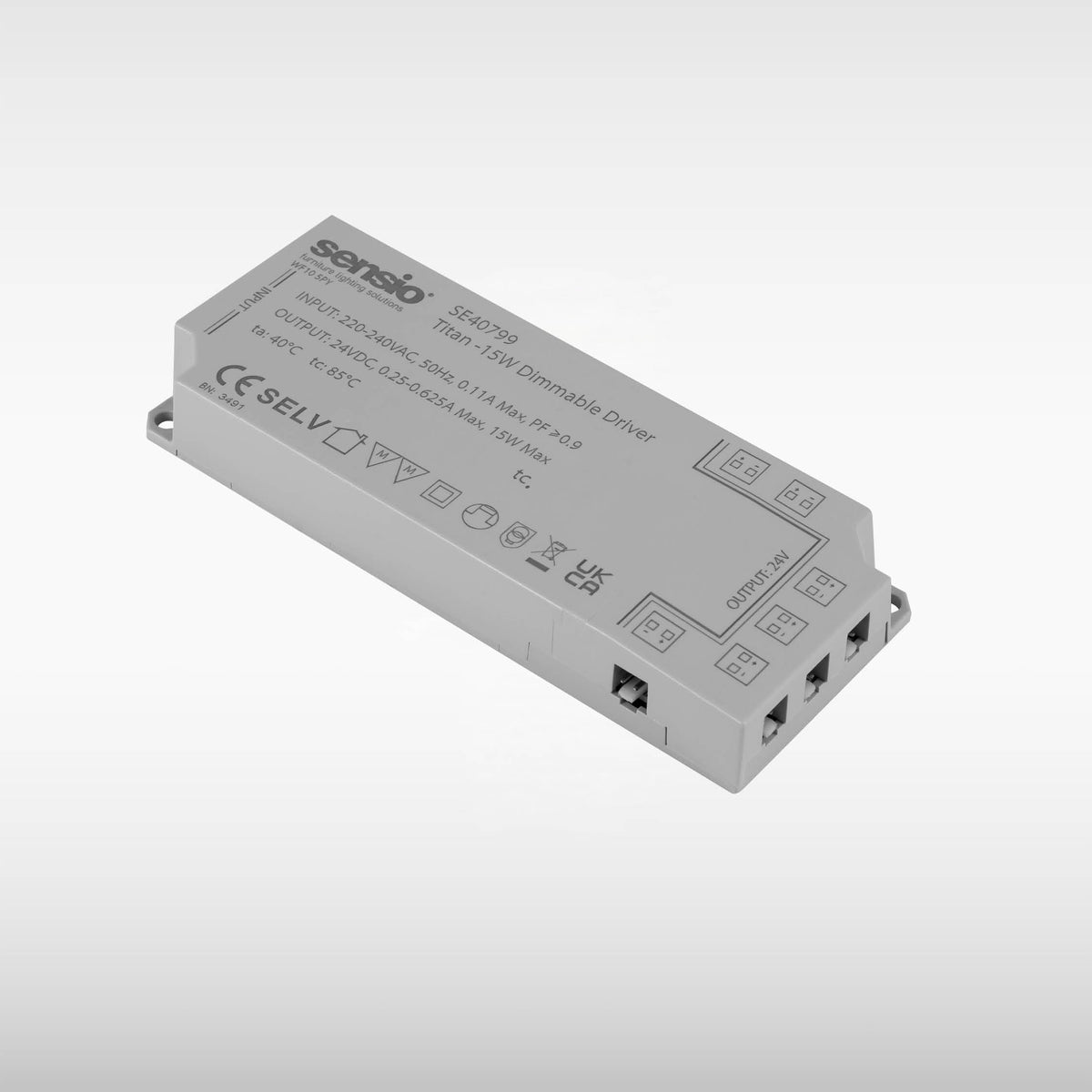
The LED strip calculator does the sum for any Sensio strip, and our guide to what size LED driver you need has wattage tables for our lights. Sensio drivers come in 6W, 15W, 30W, 60W and 150W. The Titan+™ and Titan™ Dimmable have built-in overload and thermal protection.
2. Check the dimmer and the driver match
If the flicker only happens when the lights are dimmed, look at the dimmer. The Titan™ Dimmable is the Sensio driver for a mains wall dimmer, and it works with most trailing edge and leading edge dimmer switches. The Titan+™ and the Titan smart drivers must never be installed with a wall dimmer. A wall dimmer on a driver not built for one can cause flicker or buzzing and may damage the driver.
Changing or removing a wall dimmer is mains work, so have a qualified electrician do it. Read can you dim LED strip lights for which driver suits which control.
3. Check every connection
Loose connections cause flicker that comes and goes, often in one section only. With the power off:
- Push each driver connection cable fully into its port on the driver.
- Check each joining clip is fully closed and the strip sits squarely in it.
- Look for cables that have been pinched, pulled or bent hard at a connector.
- Check where the strip was cut. On strips with marked cut points, a cut between the marks means that section will not light. Free-cut X strips can be cut anywhere.
Our guide to LED strip connectors shows which connector goes where, and how to cut, connect, fit and wire LED strip lights covers each step.
4. Check the length of the run
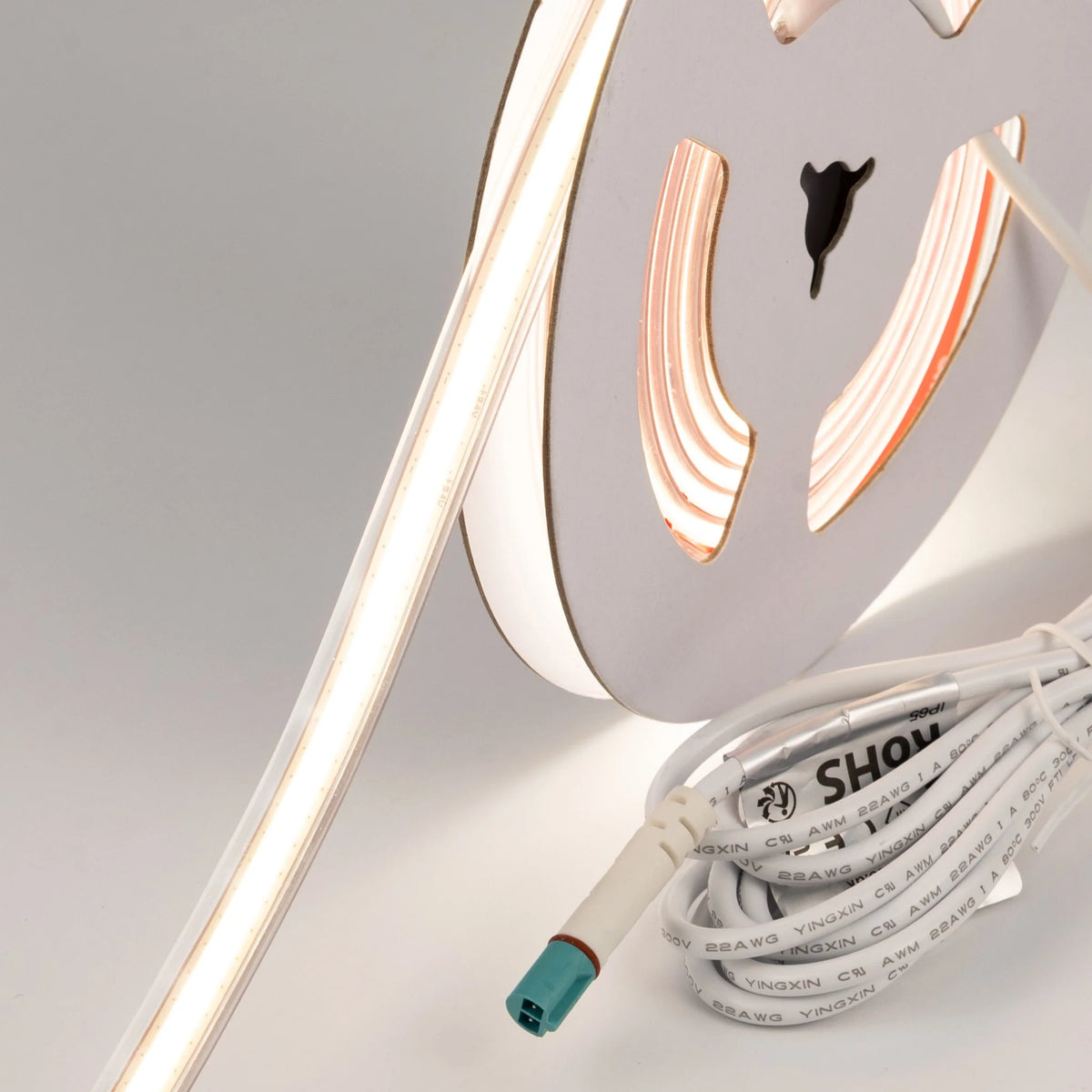
Every strip has a maximum run length. Go past it and voltage drop can make the far end dim or unstable. Sensio strip runs at 24V, which draws half the current of 12V for the same wattage, so it holds its brightness over longer runs. Polar X, for example, runs up to 25m without fading at the far end. Check each strip's product page for its maximum run. If a run is too long, split it into two runs, each with its own driver connection.
5. Check the power supply is the right type
Sensio LED strip and lights run at 24V and are designed for a 24V Sensio driver with the matching pin type: 2-pin for single colour and TrioTone®, 4-pin for CCT and 6-pin for RGBCCT. An old halogen transformer is not a suitable replacement, as it may need a minimum load that LEDs do not reach, which can cause flicker. A constant current driver is the wrong type for 24V strip. Read LED driver vs transformer and what is an LED driver to see the difference.
6. Give the driver room to breathe
Titan drivers are a slim 16mm deep, so they fit behind kickboards and above wall units. Even so, avoid packing them in tightly with insulation or other heat sources. If lights go off and come back on in a cycle, check the driver is not overloaded and is not running hot.
When to call an electrician
You can safely check driver size, plug-in connections and strip cuts on the 24V side yourself. Call a qualified electrician if:
- the driver is hard-wired and needs disconnecting or replacing,
- a wall dimmer needs changing or removing,
- other lights on the same circuit also flicker,
- you see scorch marks, smell burning, or the driver is very hot to touch.
Mains connections to any driver should be made by a qualified electrician. If you are still stuck, contact our technical team with the strip, the length, the driver and the control you are using.
Frequently asked questions
Why are my LED strip lights flickering?
Usually because of the power side: a driver that is too small, a wall dimmer on a driver not designed for one, a loose connection, voltage drop on a long run, or the wrong type of power supply.
Can a driver that is too small cause flickering?
Yes. An overloaded driver can make the lights flicker, cut out or not come on, and can fail early. Choose a driver rated above the total wattage of everything on it.
Why do my LED strip lights flicker when dimmed?
The dimmer and driver may not be matched. Only use a wall dimmer with a driver designed for it, such as the Titan™ Dimmable. Titan+™ and smart drivers must never go on a wall dimmer.
Why does only part of my LED strip flicker?
Most often a loose connection or joining clip in that section, or a cut made between the marked cut points. Power off and reseat the connections.
Why is the end of my LED strip flickering or dimmer?
The run may be longer than the strip's maximum, causing voltage drop. Check the product page for the maximum run and split long runs.
Can I fix flickering LED strip myself?
You can check the driver size, plug-in connections and clips on the 24V side. Anything on the mains side, including dimmers and hard-wired drivers, should be left to a qualified electrician.
Shop the full range of 24V LED drivers and LED strip lights.